Does the page load?
Open a URL and verify the important headline, form, or status is visible. Useful as a quick repeatable smoke test.
Website change testing · 6/6 verified
A change validation can begin with “does that page load?” and extend through the complete business workflow. In this run, Mira verified six criteria from sign-in to order confirmation.
Recorded · Pass · 6/6 verified
The acceptance criteria
“Validate the complete checkout journey. The change passes only when all six criteria are visibly satisfied:”
- 01 Sign in successfully
- 02 Product catalogue loads
- 03 Add a product to cart
- 04 Cart keeps the selection
- 05 Checkout accepts customer details
- 06 Order confirmation appears
One system, three levels of proof
Open a URL and verify the important headline, form, or status is visible. Useful as a quick repeatable smoke test.
Run the saved customer journey through its final form, booking, purchase, or confirmation. Repeat it manually or on a schedule.
Track each acceptance criterion through one or more workflows and return a release decision with visible evidence.
Acceptance criteria testing
The page loaded, but nothing was validated yet.
The account and catalogue worked; checkout was still unproven.
The order confirmation completed the final acceptance criterion.
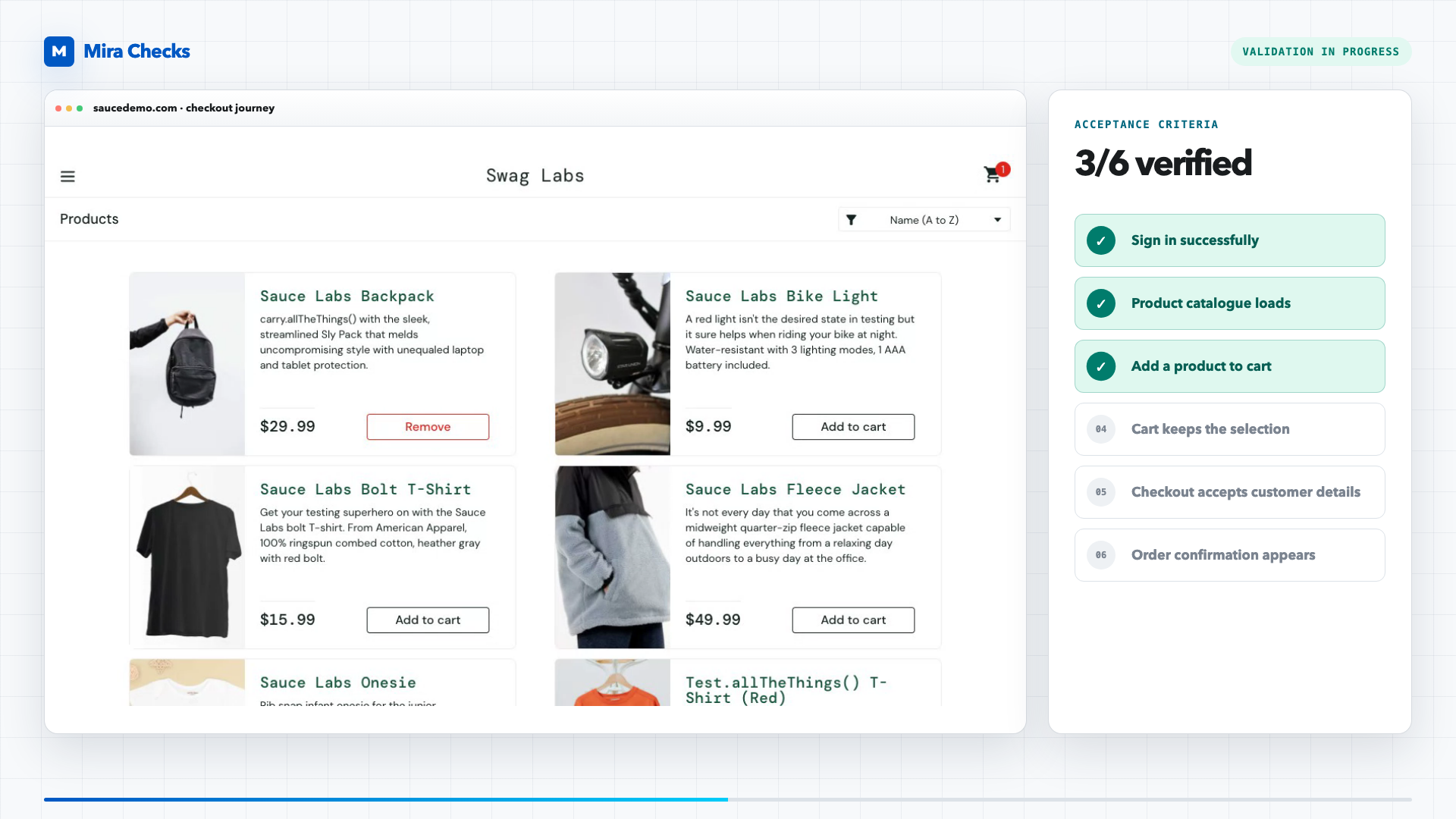
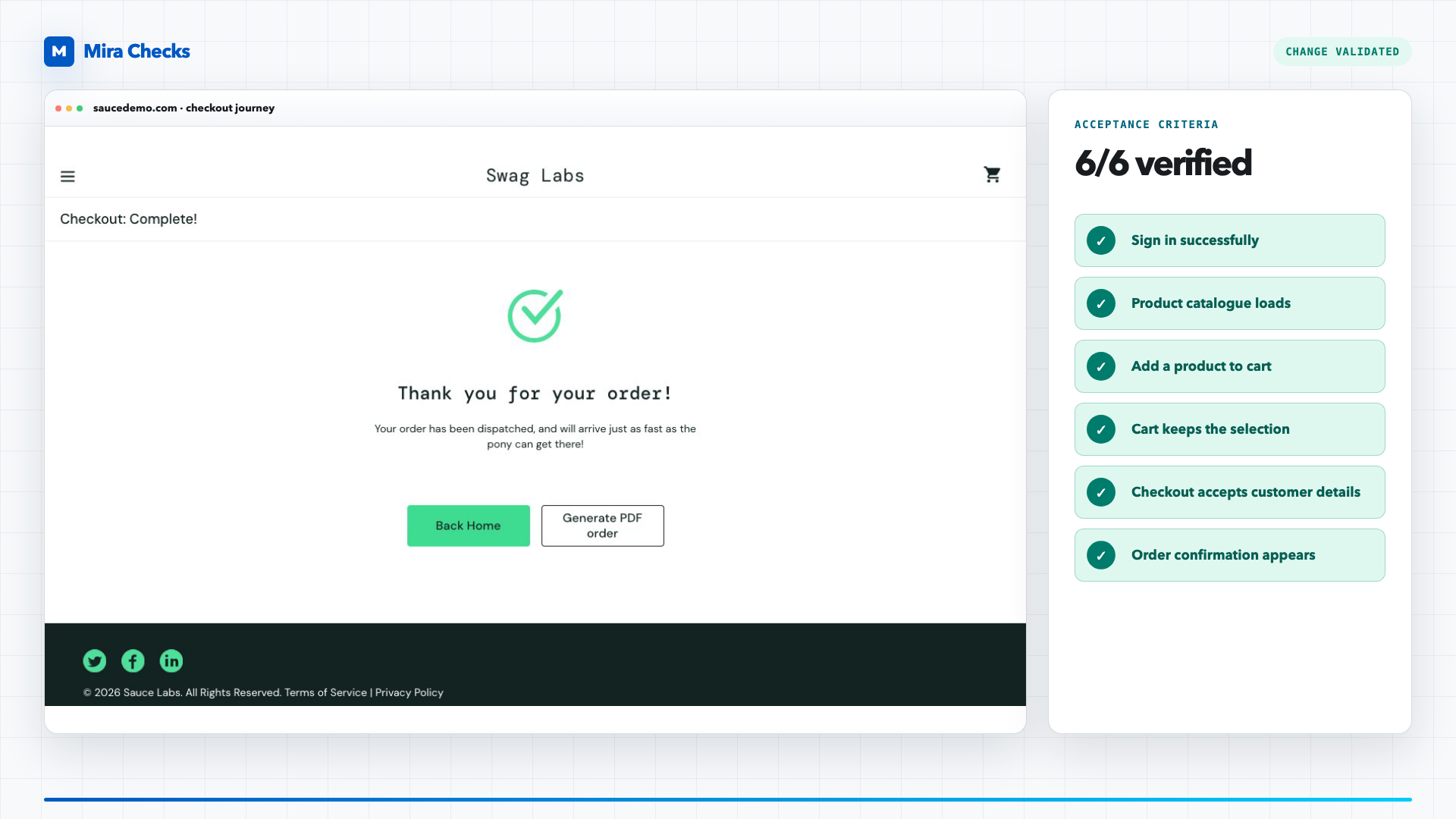
What this proves
The recorded change validation tracks six separate outcomes and only reports success after the final order confirmation appears.
What it does not prove
A real change may need several journeys, roles, viewports, and negative criteria. The validation is only as complete as the agreed definition of done.
The film opens with “Testing changes is tough. Let us do it.” A browser performs the Sauce Demo checkout while a panel tracks six acceptance criteria.
The criteria change from pending to verified as sign-in, catalogue, cart, customer details, and order confirmation complete. The final screen reads “Change validated.”
Get a pass you can defend or a specific workflow that still needs work.